
Simployer Admin Center
Admin Center is a solution for customer administrators to make them self-served e.g. create API clients for Simployer API's.
Getting access to Admin Center
Please contact Customer Care and request for "Grant access for admin center". The request should contain information about who should access it (first name, last name, email).
Create API client
If you have Admin Center active. Admin Center will appear in your Simployer Menu.
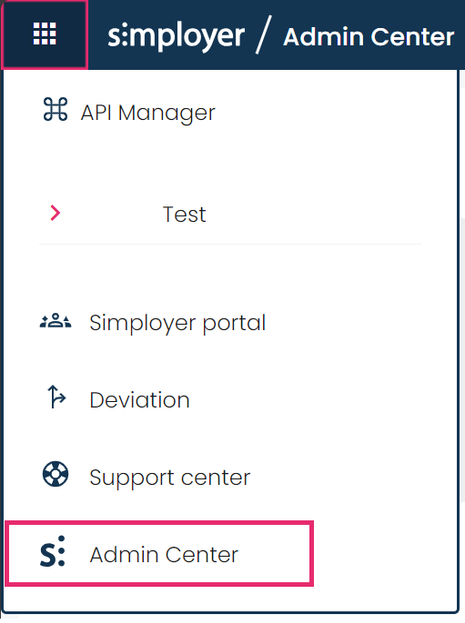
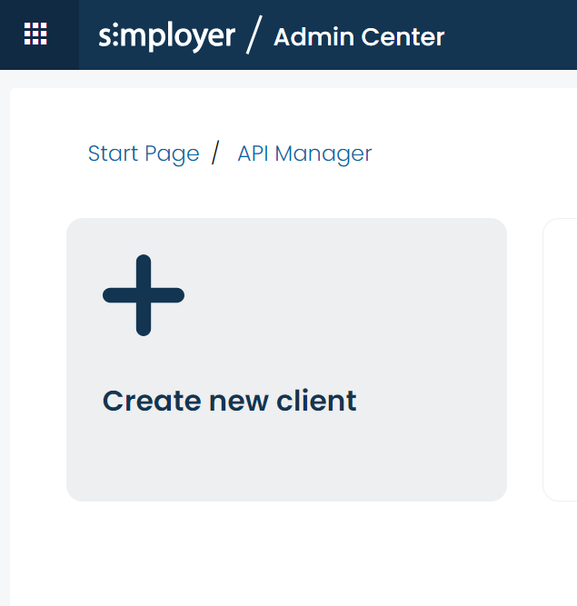
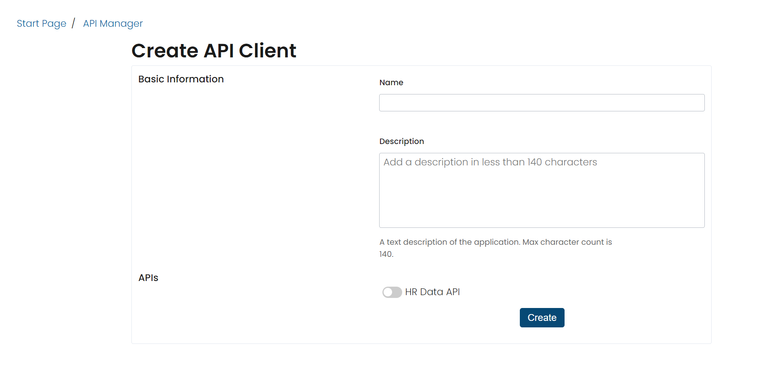
By clicking on Admin Center, you will come to our Admin Center portal. Here you can generate new client secrets to our API. Start by clicking “create new client” the attach a name to the client. Could be something connected to the system it is integrating into. For example “payroll integration”. Enable APIs & Endpoints.
When a client is created, set up a new secret for this client. By going to the Secret section and Crete Secret :
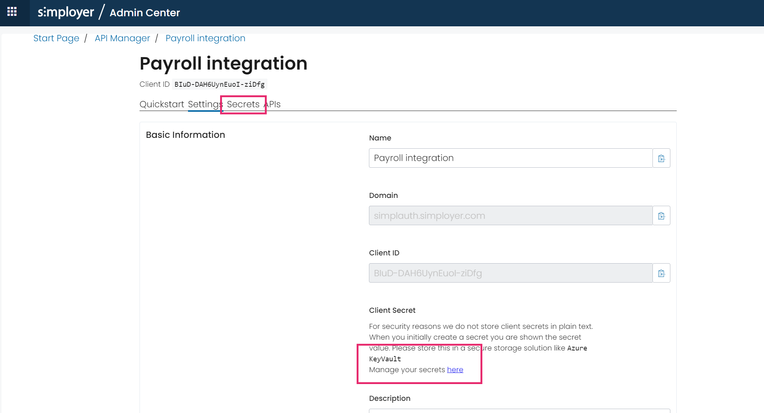
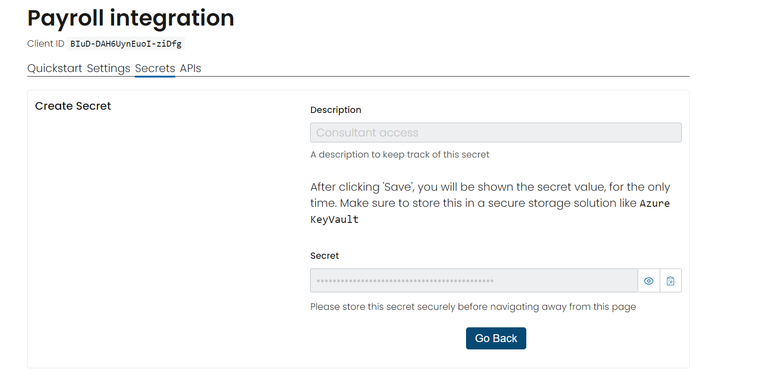
Remember to store the secret as you cant retrieve it again.